WebShell recently added support for custom background images. Here’s the overall approach.
Architecture
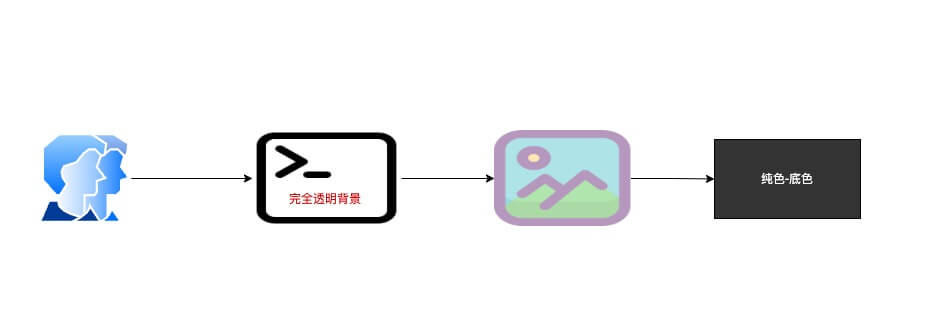
As the diagram shows, the implementation is roughly:
- xterm.js supports transparent backgrounds; set the terminal background to transparent.
- Add a sibling DOM element in front of the terminal and apply a background image to it via CSS. This becomes the visual “bottom layer” beneath the terminal, with opacity controlling transparency.
- Set the terminal’s parent element to a solid color without transparency.
With the above, you get a custom terminal background image with adjustable transparency.