There are many cloud sync solutions available, such as iCloud, Google Photos, Baidu Netdisk, or even building your own NAS. After experimenting with various options, I’ve settled on the following setup. Here it is for your reference.
Apple iCloud
I am currently subscribed to the 200GB plan. By using Family Sharing, everyone in the household can access this shared storage. It’s mainly used for full device backups and storing a portion of my photos. So far, it’s been more than enough.
Quark Netdisk
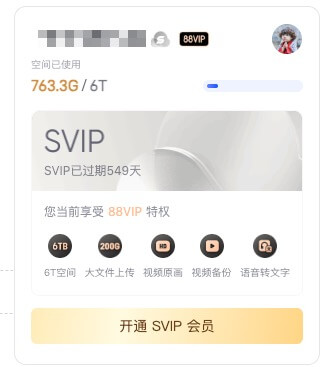
I have an active Alibaba 88VIP membership, which includes a 6TB Quark Netdisk benefit. I use the Quark app on my phone to sync and store high-resolution photo albums. If my phone or iCloud storage runs low, I can safely delete local files, knowing that Quark serves as a full-scale backup for all my data.
Dropbox
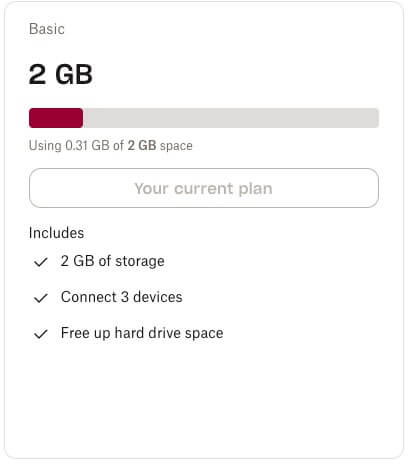
I’m using the free tier (2GB), which primarily handles my Alfred preferences and configuration sync. It works perfectly for this specific purpose.
Deprecated Solutions
Google Photos
Since Google ended its unlimited storage offering, the 15GB free tier is too restrictive for me, and I’m not currently looking to pay for an upgrade there.
NAS
I still use my NAS, but no longer as a primary sync solution for photos or documents. It now functions solely as a home media center and a destination for Mac Time Machine backups.
Final Thoughts
This is my current setup. While it may evolve in the future, it meets all my requirements for now.