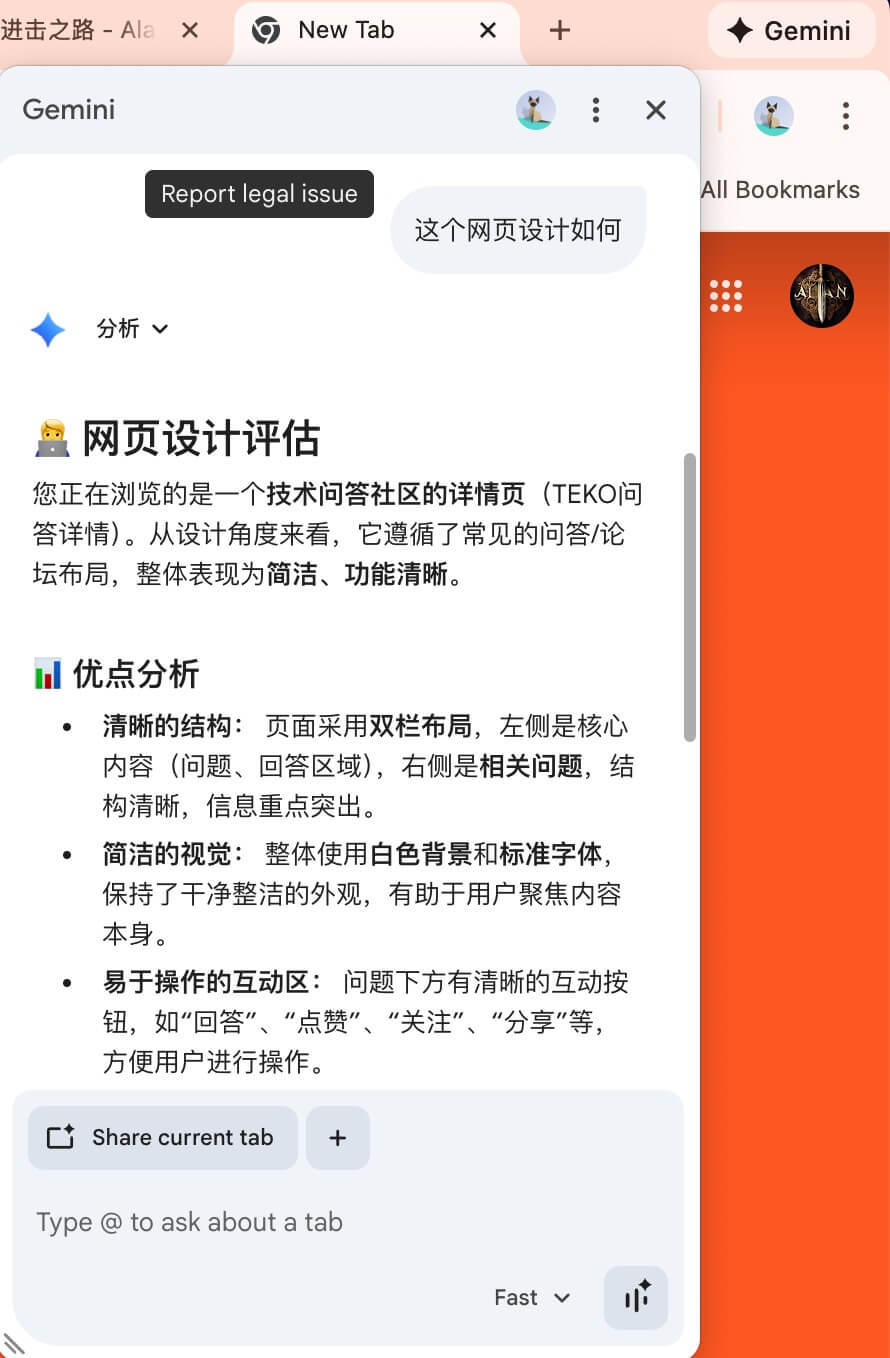
Chrome has introduced Gemini integration, allowing users to access AI features directly within the browser. This post explains how to enable this feature.
Surge Configuration Rules
Add the following rule to your Surge configuration to enable Chrome Gemini. Ensure that the proxy is set to the US:
RULE-SET,https://raw.githubusercontent.com/blackmatrix7/ios_rule_script/master/rule/Surge/Google/Google.list,🇺🇸US,no-resolve
Chrome Region Configuration
You may need to manually set your region to the US in Chrome’s state file:
vi ~/Library/Application\ Support/Google/Chrome/Local\ State
Search for country and set the values to US.
Restart Chrome
Close and reopen your Chrome browser for the changes to take effect.
Final Thoughts
The current experience isn’t quite polished yet, but I’m looking forward to future improvements. For now, it’s one of those features that’s “nice to have” even if I don’t use it daily.