While developing WeChat Mini Programs, I often find the official documentation difficult to navigate. To solve this, I decided to use Web Scraper to gather data from the official site and create a custom GPT or Claude Skill for querying. Despite being new to Web Scraper, I found it incredibly efficient once I got the hang of it.
Installing the Web Scraper Extension
- Free vs. Paid: Web Scraper offers a official cloud-based crawling service for a fee. However, for personal use, the free browser extension is usually enough. The extension’s main limitation is that it primarily scrapes text data, but that’s exactly what I need for my AI projects.
- Browser Support: The extension is officially available for Chrome. Other browsers may have limited or unofficial support.
Configuration
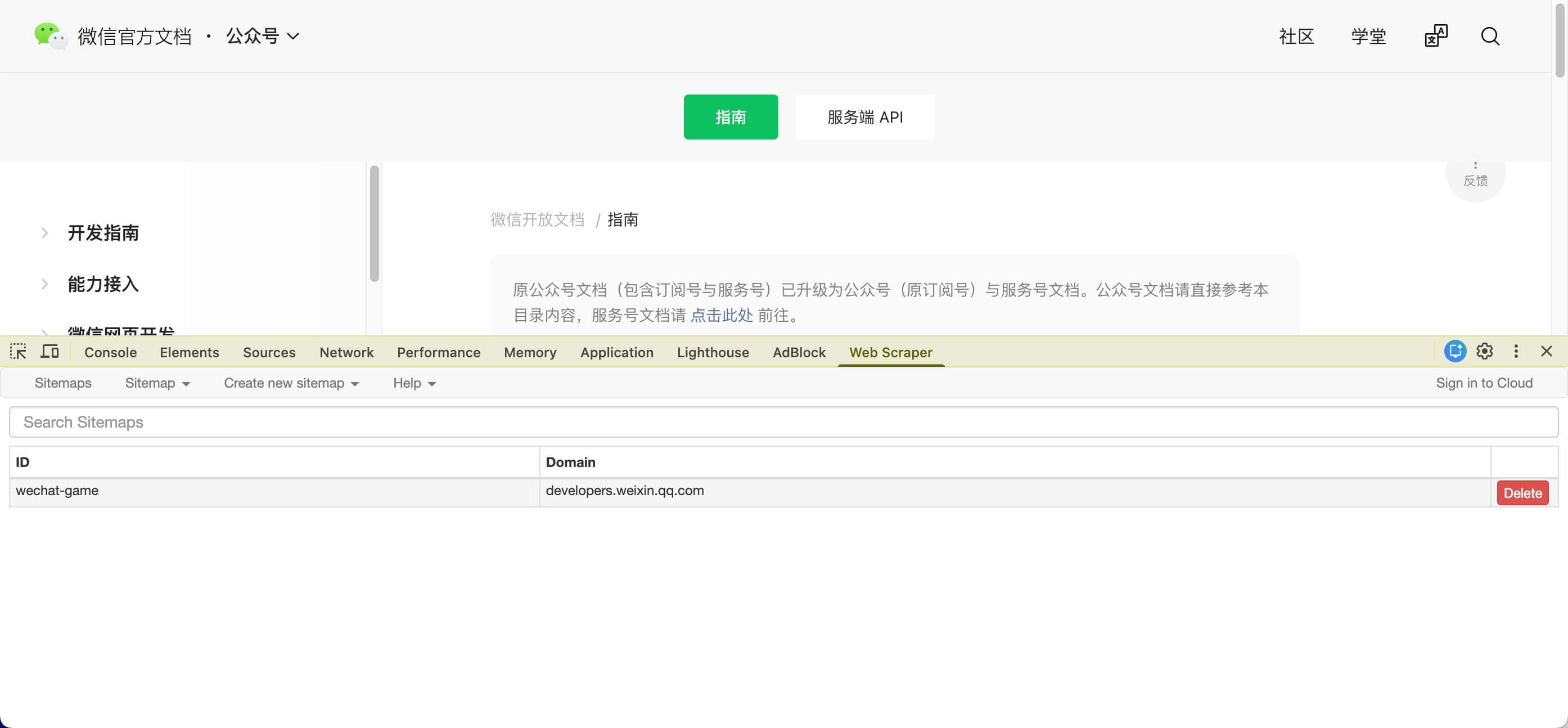
I prefer configuring the scraper directly within the Chrome Developer Tools.
Exporting Data
The tool supports exporting to .xlsx and .csv. I typically use CSV because it’s a lightweight format that most AI models can easily ingest.
Using the Data with AI
Once you have the data, the possibilities are endless. For example, I created a Custom GPT in ChatGPT and uploaded the scraped documentation. Now, I can query the official documentation through a conversational interface.
I’ve built a WeChat Mini Program Documentation Assistant using this method. You can try it out here: WeChat Mini Program Documentation Assistant GPT
Final Thoughts
While specialized APIs are often used for web scraping, many sites block automated crawlers. A browser-based extension like Web Scraper elegantly bypasses many of these restrictions by mimicking human browsing behavior. It’s a powerful tool for anyone looking to build custom datasets. Highly recommended!